Your shared inbox is a black hole. And your clients know it.
A client emails about a claim. Did anyone reply? Nobody's sure. With the BenefitsGuide Tickets Inbox, every client email becomes a Ticket the second it lands. It's matched to the right client, owned by the right person, and, if you want, the client gets a note that you have it. Nothing falls through the cracks.
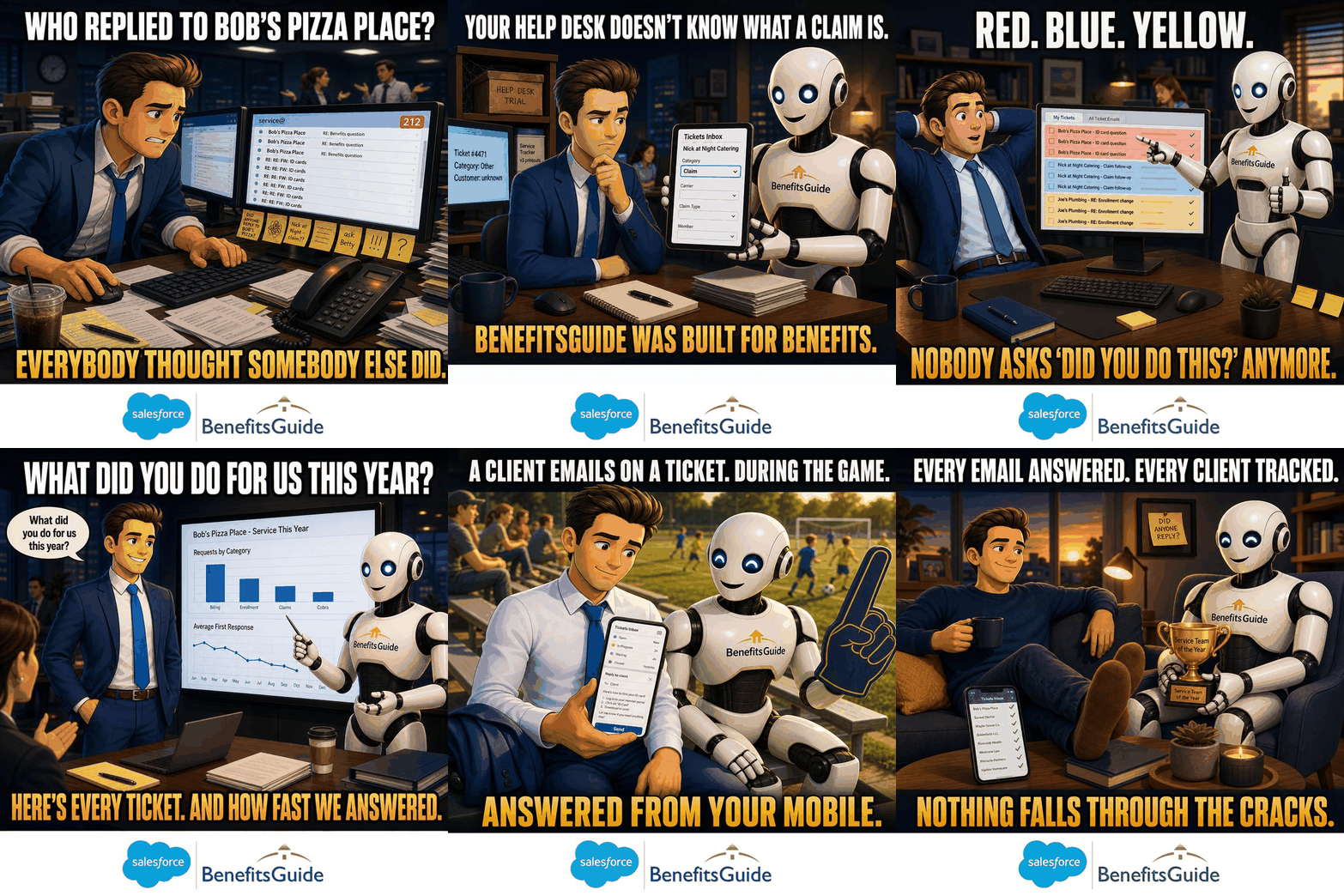
Client Service Shouldn't Run on Memory.
Your team isn't the problem. Your shared inbox is the problem. Email was built to send messages, not to run a client service team. So client service requests get buried, two people answer the same email, and the one nobody answered is from your biggest client.
"Did Anyone Reply to Her?"
Monday morning. The service inbox shows 63 unread. Three clients are asking the same thing they asked last week. You can't tell which ones got an answer. So you ask the room, and everyone looks at each other.
Too Many Inboxes. Too Many Tabs.
Service in one inbox. Enrollments in another. Personal inboxes for everyone else. Nobody sees the whole picture. When someone is out sick, their clients go quiet, and you don't find out until a client calls upset.
Help Desks Don't Know Your Clients
Maybe you bolted on a help desk tool. It tracks Tickets, but it doesn't know your clients, your policies, or your renewals. Now your service history lives in one place and your client records live in another. And if you ever leave, that history stays behind.
The Second a Client Hits Send, It's Tracked
Connect your Microsoft email inboxes, and every message that comes in turns into a Ticket on its own. BenefitsGuide matches it to the right Contact by email address and company domain. It gets an owner. It gets a status. Nobody has to copy and paste anything.
- If you want, your client gets an automatic confirmation, so they know their request was received
- Tickets assign themselves based on the client's email domain based on your business rules
- If a client replies to a closed Ticket, it reopens on its own
- Run more than one queue, like Service and Enrollment, all in one place

Your Team Already Knows How to Use It
We built the Tickets Inbox to look and feel like the email your team uses every day. There's nothing new to learn. The difference is what happens behind the scenes: every email has an owner, a status, and a full history.
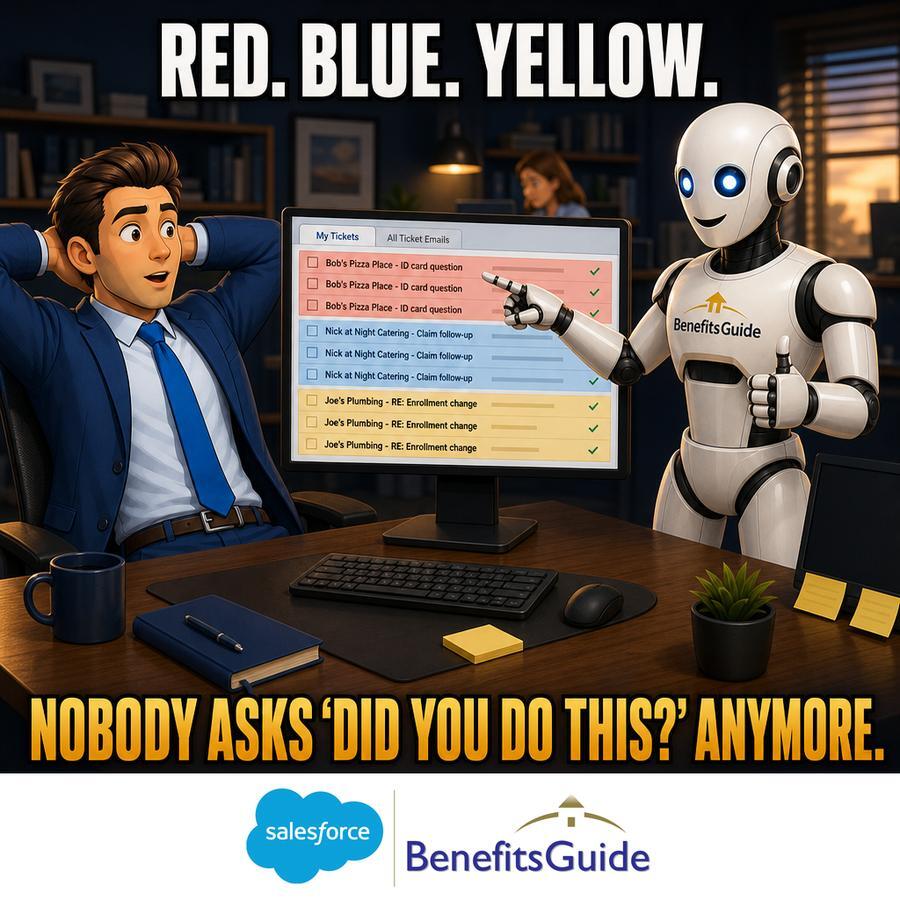
Colors tell you what needs attention at a glance. Red means new and unread. Blue means read. Orange means you sent it. Switch between "My Tickets" for your own work and the team view to see everything that's open across the agency.
And if someone still loves working in Outlook? That's fine. Our Outlook add-in lets them tie emails to Tickets without leaving their inbox.
Not an IT Help Desk. A Service Desk for Benefits Brokers.
Generic help desks were made for software support. They don't know the difference between a claim issue and an enrollment question. BenefitsGuide does, because we've spent over 20 years building only for employee benefits brokers.
- Change a Ticket from General to Claim and the page layout changes to show the relevant fields
- Track categories like Billing, Enrollment, Claims, and COBRA, or add your own
- Every Ticket lives on the client record, right next to their policies and projects
- Renewal Tickets can be automatically created and managed by the whole team
Eureka Insurance Solutions, a 15-person brokerage, ran client service out of a shared inbox and a separate legacy platform. Every email meant about 3 minutes of redundant data entry into the other system. At 50 emails a day, that was 2.5 hours of extra work daily, and important requests still got missed. Now every email becomes a Ticket on its own, goes to the right person, and the client gets an instant reply with a reference ID. The result: about 150 hours saved every month, fewer errors, and happier clients.
Eureka Insurance Solutions, read the case studySample clients shown for illustration.
Answer Faster. Then Prove It.
Your team answers the same questions every week. How do I find my ID card? How do I add a dependent? The built-in knowledge base keeps your best answers in one place. One click drops the right answer into your reply, so every client hears the same clear message.
Stewardship dashboards come built in from day one. See Ticket volume by client, the top reasons clients reach out, and how long it takes your team to resolve each request. Bring that to your next renewal meeting and show the client exactly how well you take care of them.

Triage From the Soccer Game
The Tickets Inbox works on your phone the same way it works at your desk. It's not a "lite" version. Read a new Ticket, assign it, reply, or close it from anywhere.
And because it all runs inside your business operating system built on Salesforce, every Ticket sits with the rest of the client's story: their policies, their renewal projects, and every past conversation. One login. One place. Your whole team on the same page.

From Email to Answered in Four Simple Steps
Your clients don't change a thing. They keep sending email. Your team just stops losing track of it.
Connect Your Inboxes
We connect your Microsoft email inboxes during setup. Service, enrollment, or any shared address you use today.
Email Becomes a Ticket
Each new email turns into a Ticket, matched to the right client and Contact. If you want, the client gets a confirmation right away.
Assign, Answer, Close
The right person owns it. They reply from the Ticket, use a saved answer if it fits, and close it when it's done.
Nothing Slips Away
If the client writes back, the Ticket reopens on its own. Dashboards show what's open, what's waiting, and how fast you respond.
We Hear These a Lot.
Fair questions. Here's the short answer to each one.
"Our clients just email us. Won't Tickets feel impersonal?"
Nothing changes for your clients, except, if you want, they get a quick note acknowledging that their request was received. Your replies are still normal emails. The Ticket is your team's memory, not their experience.
What if clients felt more taken care of, not more processed?
"We have a one-person service team. Isn't this overkill?"
A team of one needs it most. Your Account Manager is the only one who knows what's open and what was promised. The Tickets Inbox becomes your Account Manager's memory. And when your Account Manager is out, the owner can see everything.
What if your one-person team never dropped a ball, even on vacation?
"We already use a help desk tool."
Generic help desks don't know insurance. Your Tickets end up in one system and your clients and policies in another. Here, Tickets live on the client record, right next to the renewals.
What if your service history lived where your clients live?
"Can it handle more than one inbox?"
Yes. That's the point. Connect your inboxes and they become one list your team works from, instead of a browser full of tabs.
What if all your inboxes were one list?
How Does Your Client Service Stack Up?
You know some emails slip through. But how many, and what is it costing you? The Operations Benchmark Assessment scores your agency across 5 categories, including Service, so you can see where you stand and fix the biggest gap first. It takes about 3 minutes.
Get Your Service Score










See the Tickets Inbox in Action.
Pick a time that works for you. We'll show you how every client email becomes a tracked Ticket, and how your whole team can see what's open, live, with your questions answered.
Prefer to talk first? Book a 15-minute call with Jason or call us at 646-461-3000.