Your client data lives in two places. Your team types it twice.
BenefitsGuide is Employee Navigator's first official Salesforce integration partner. Bi-directional sync means your data flows automatically between platforms — accounts, census, policies, rates, and enrollment elections. Enter it once. It shows up everywhere.
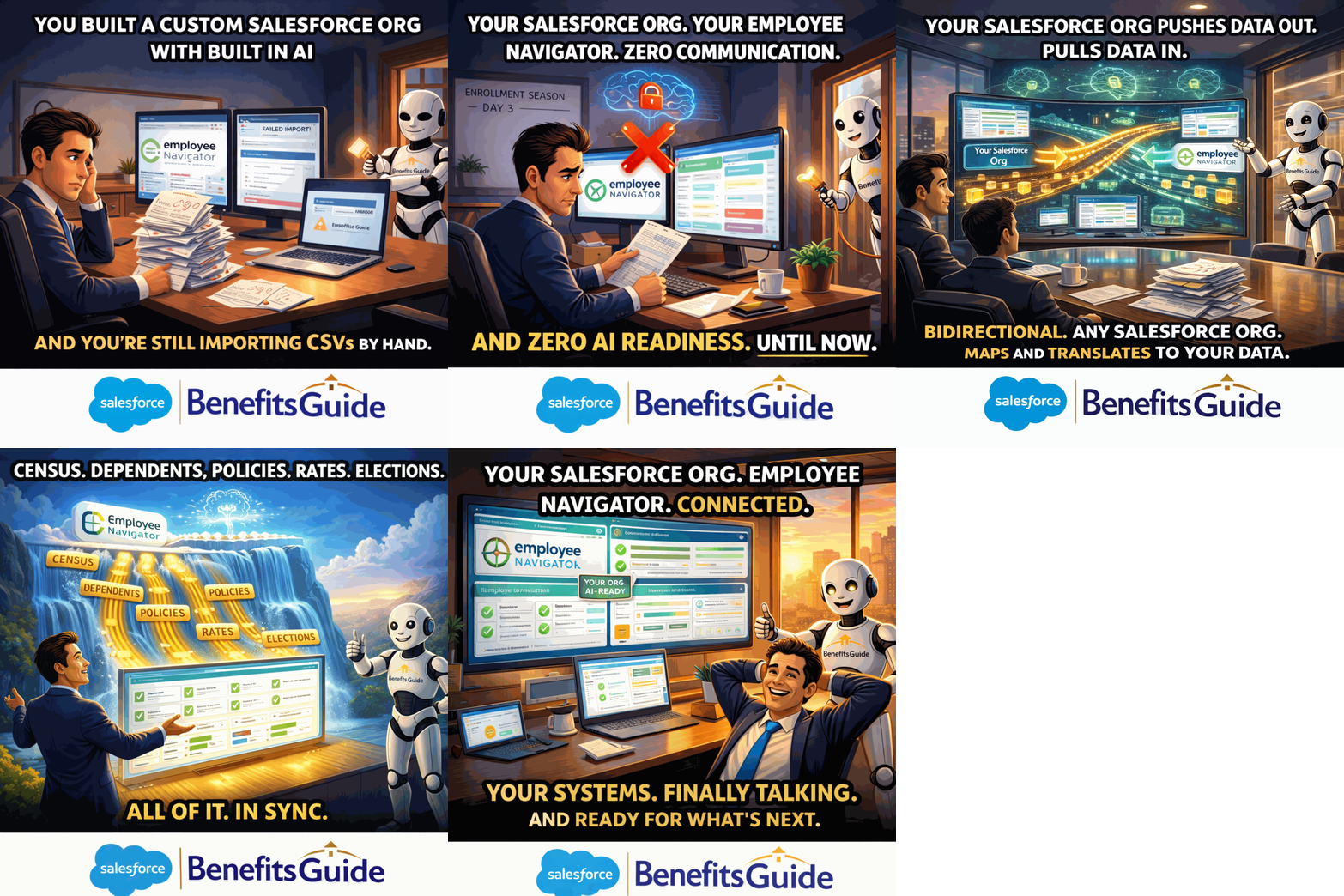
Watch the Employee Navigator Integration in Action
This short recorded demonstration shows exactly how data flows between Employee Navigator and Salesforce — bi-directional sync, automated elections, and more.
The Same Data. Typed Twice. Every. Single. Time.
Your team enters the same client information into Employee Navigator AND into your CRM or agency management system. It takes hours. Mistakes happen. Nobody trusts the data because it's never quite the same in both places.
Redundant Data Entry
Every account, every employee, every policy — entered once in Employee Navigator and again in your CRM. That's not a process. That's a tax on your team's time.
Hours Lost on Setup
Setting up a new group in Employee Navigator takes 1 to 2 hours of manual work — entering the account, census data, policies, and eligibility rules from scratch. Every time.
Data You Can't Trust
When data lives in two disconnected systems, it's never the same. Someone updates a contact in one place but not the other. Enrollment records don't match. The numbers never add up.
Push or Pull. Your Data Flows Both Ways.
BenefitsGuide's Employee Navigator integration is truly bi-directional. Push data from BenefitsGuide to Employee Navigator — or pull data from Employee Navigator into BenefitsGuide. Your choice, depending on what works for your workflow.
- Push or pull accounts, census, dependents, policies, and rates
- Enrollment elections flow back automatically as Member Transactions
- Each election is linked to the correct Contact and Benefit Policy records
- Workflow tasks are automatically created and assigned for each election
Enrollment Elections Flow Back Automatically
When employees make elections during online enrollment in Employee Navigator, those elections are automatically created in BenefitsGuide as Member Transactions — linked to the correct Contact and Benefit Policy records. No one on your team has to enter them manually.
Even better — workflow tasks related to each Member Transaction are automatically created and assigned to the person on your team responsible for communicating the election to the insurance carriers. The system knows who handles what and makes sure nothing gets missed.
"We don't have visibility into each other... we don't have that right now."
— Kerry Cook, describing life before BenefitsGuide
Employee Navigator Handles Enrollment. Salesforce Handles Everything Else.
Employee Navigator is great at benefits administration. But it wasn't built for agency management. When a client calls, you need their full history — commissions, service tickets, renewal timeline, and benefits — all on one screen.
This integration means you don't have to choose between them. Employee Navigator handles enrollment beautifully. BenefitsGuide handles CRM, reporting, workflow automation, commission tracking, and project management. Together, they give you the complete picture.
- Cross-selling opportunities: see who has medical but no life insurance
- Stewardship reporting: client data + service history + enrollment in one dashboard
- Real-time Salesforce reporting across all connected data
BenefitsGuide Connects to More Than Employee Navigator.
Your enrollment platform is just one piece of the puzzle. BenefitsGuide integrates with the tools your agency depends on — so data flows everywhere it needs to go.
Ease
Full bi-directional data sync. Push or pull accounts, census, policies, and enrollment elections. 90% reduction in group setup time.
BerniePortal
Part of the connected benefits administration ecosystem. Account syncing, contact updates, and enrollment election workflow automation — all connected to BenefitsGuide.
3,000+ Salesforce Apps
Because BenefitsGuide is built on Salesforce, you get access to the entire AppExchange ecosystem — plus open REST and SOAP APIs for custom integrations.











Schedule Your Employee Navigator Integration Demo
Pick a time that works for you. We'll walk through the bi-directional sync, automated elections, and workflow tasks — live, with your questions answered.
Prefer to talk first? Book a 15-minute call with Jason or call us at 646-461-3000.