Your benefit booklet is a PDF. It should be a website.
Stop sending PDFs your clients' employees won't open. BenefitsGuide microsites turn the benefit booklet you already build into a polished, mobile-first website your team can publish in seconds, and the data updates automatically as policies change.
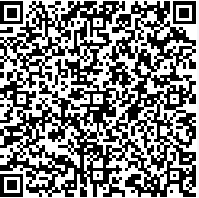
Scan this with your phone. That's the product.
This is a real, live BenefitsGuide microsite, published from the same one-click flow your team would use. No login. No app to download. No "request access" form. Just a phone, a camera, and a URL that opens in three seconds.
Tap through the welcome page, the plan summaries, the documents tab. That's exactly what your client's employees would see at open enrollment, except it would be branded to your agency, populated with your client's data, and live at a URL their team can access.
Microsites, in About a Minute.
The whole story, start to finish — what microsites do, what's inside, how to set one up, and why it matters. Press play.
You Spent a Year Getting Them Better Benefits. They Spent Four Seconds on the Booklet.
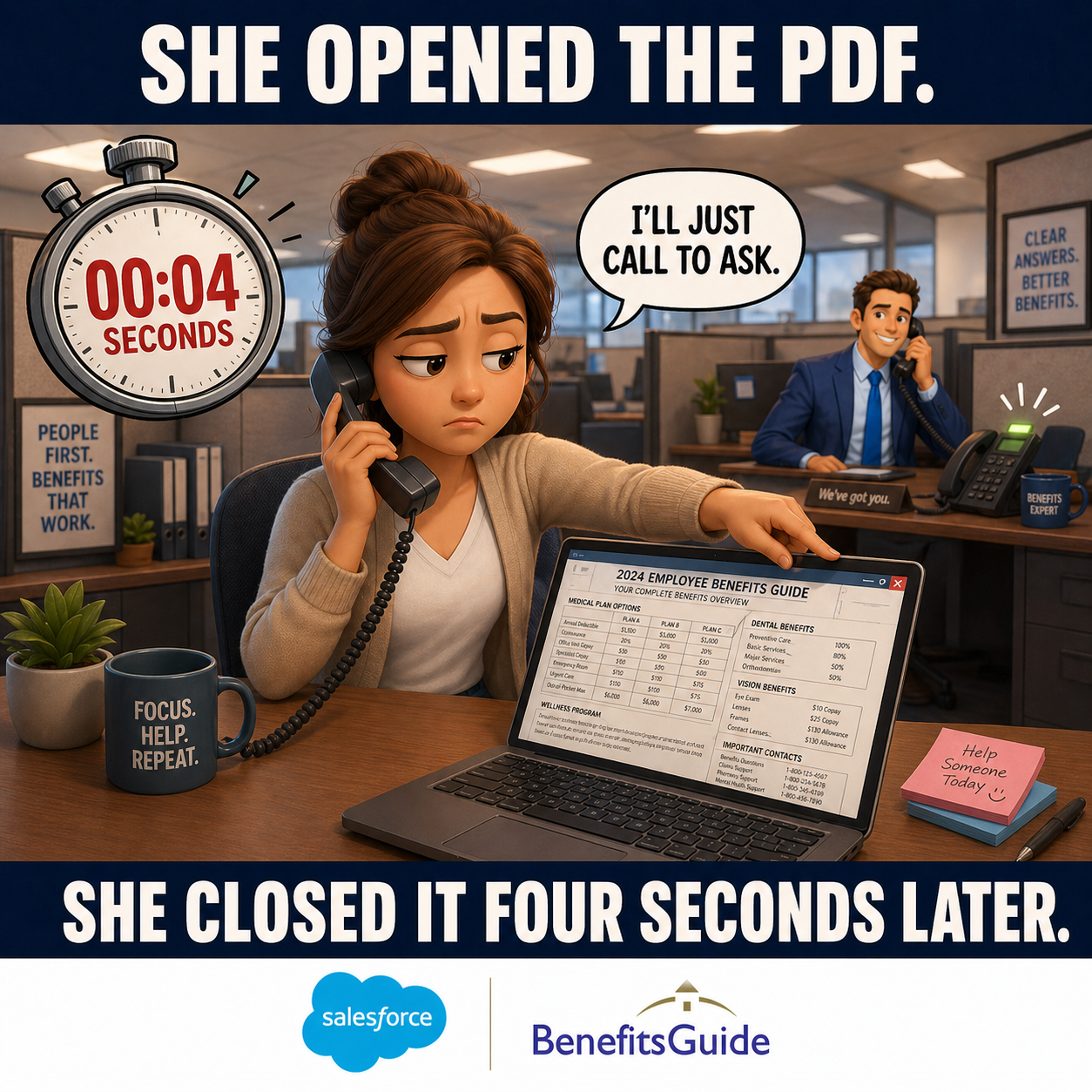
Every fall, your team finishes a hard year of negotiating renewals, comparing carriers, and building plans your clients actually want. Then you put the result in a PDF, attach it to an email, and watch it disappear into a Downloads folder that no one ever opens.
Employees don't read PDFs. They don't print them. They don't bookmark them. They look at the file name, decide it's "the benefits thing," and move on. A year of work, gone in four seconds.
- PDFs aren't built for phones, and 80%+ of benefits lookups happen on mobile
- The booklet is a moment in time, it goes stale the day a policy changes
- Your team fields the same five "what's my copay for this or that?" questions all year long
- Your hardest work ends up unread, and your clients don't see your value
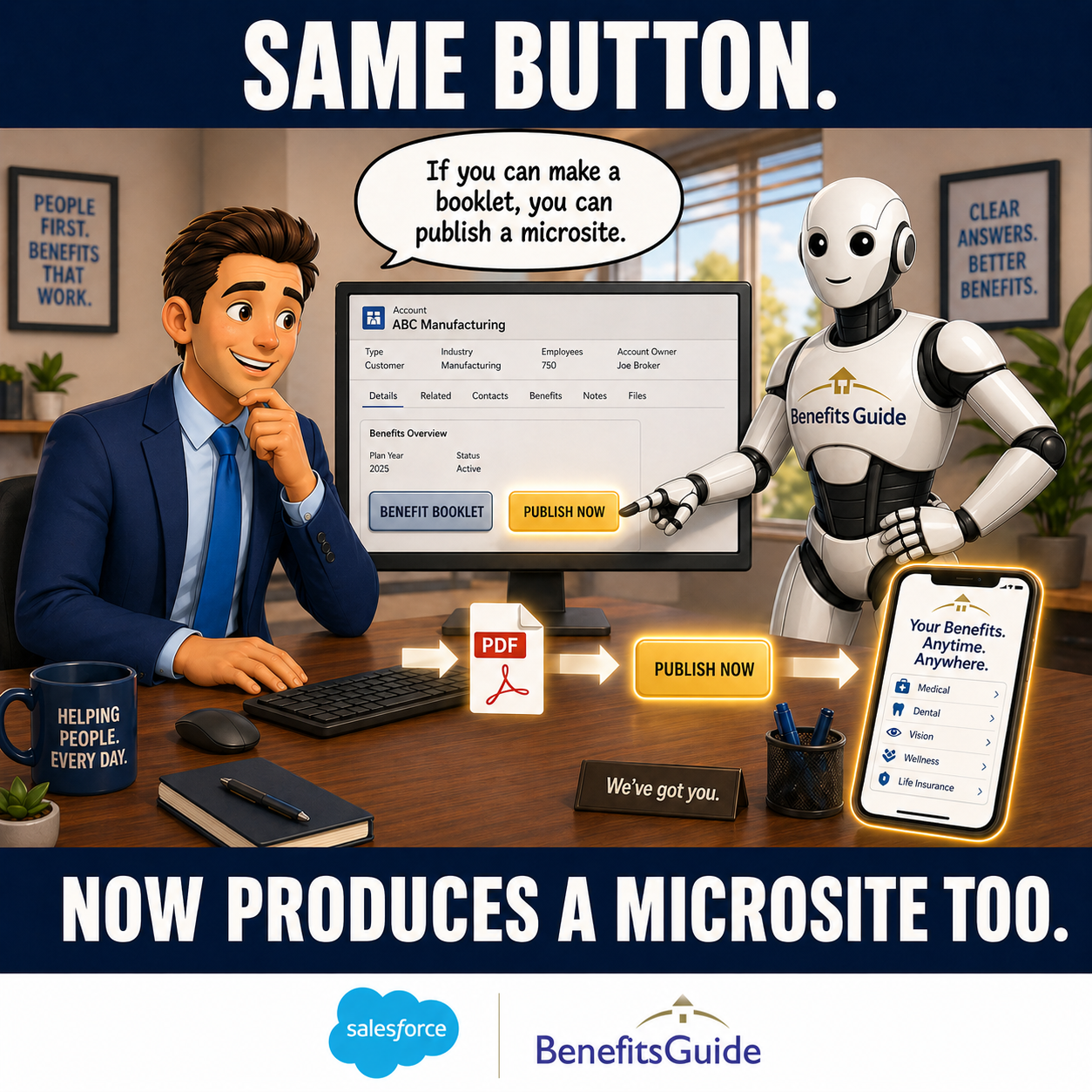
Same Button. New Ending.
If you can make a benefit booklet in BenefitsGuide, you can publish a microsite. The flow you already use, pick the class, pick the date, generate, now ends one click later with a public, brandable website you can share by link, by email, or by QR code.
No new platform to learn. No duplicate data entry. No second login. The microsite is built from the same plan, eligibility, and contribution data already in your system. You don't start over. You finish.
Welcome Video. Plan Summaries. Documents. Glossary. All in One Tab Bar.
A BenefitsGuide microsite isn't a PDF dressed up. It's a real, mobile-first web experience designed for your client's employees.
- Welcome page with rich text and an embedded broker intro video
- Plan summary tabs by benefit type, medical, dental, vision, life, disability
- Side-by-side plan comparison so employees can actually decide
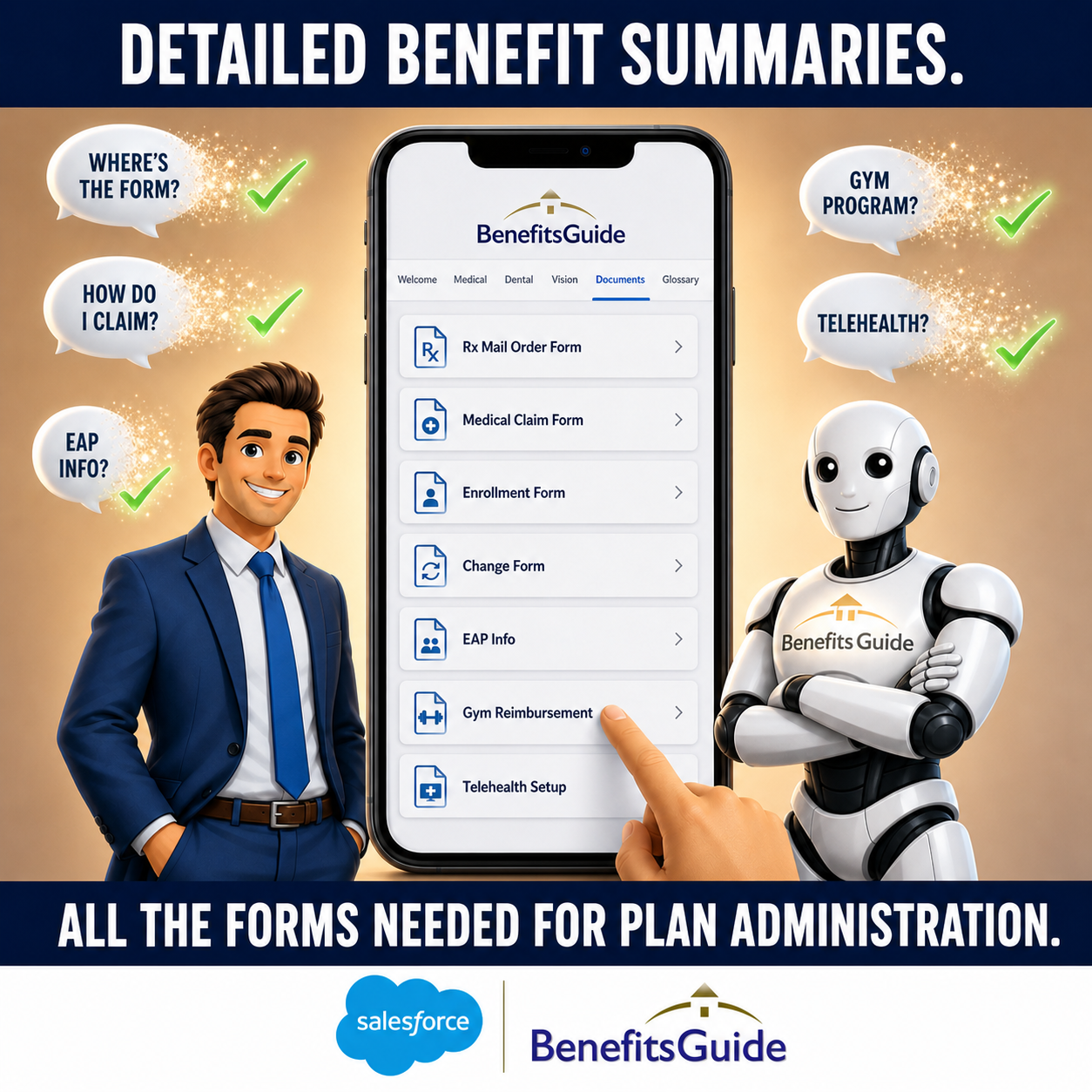
- Documents tab for plan administration forms, Rx mail order, medical claim, enrollment and change forms, SBCs
- Value-added services info too, gym reimbursement, EAP, telehealth, anything employees need to find
- Built-in glossary that translates insurance jargon into plain English
- QR code automatically printed on the cover page of the matching booklet PDF
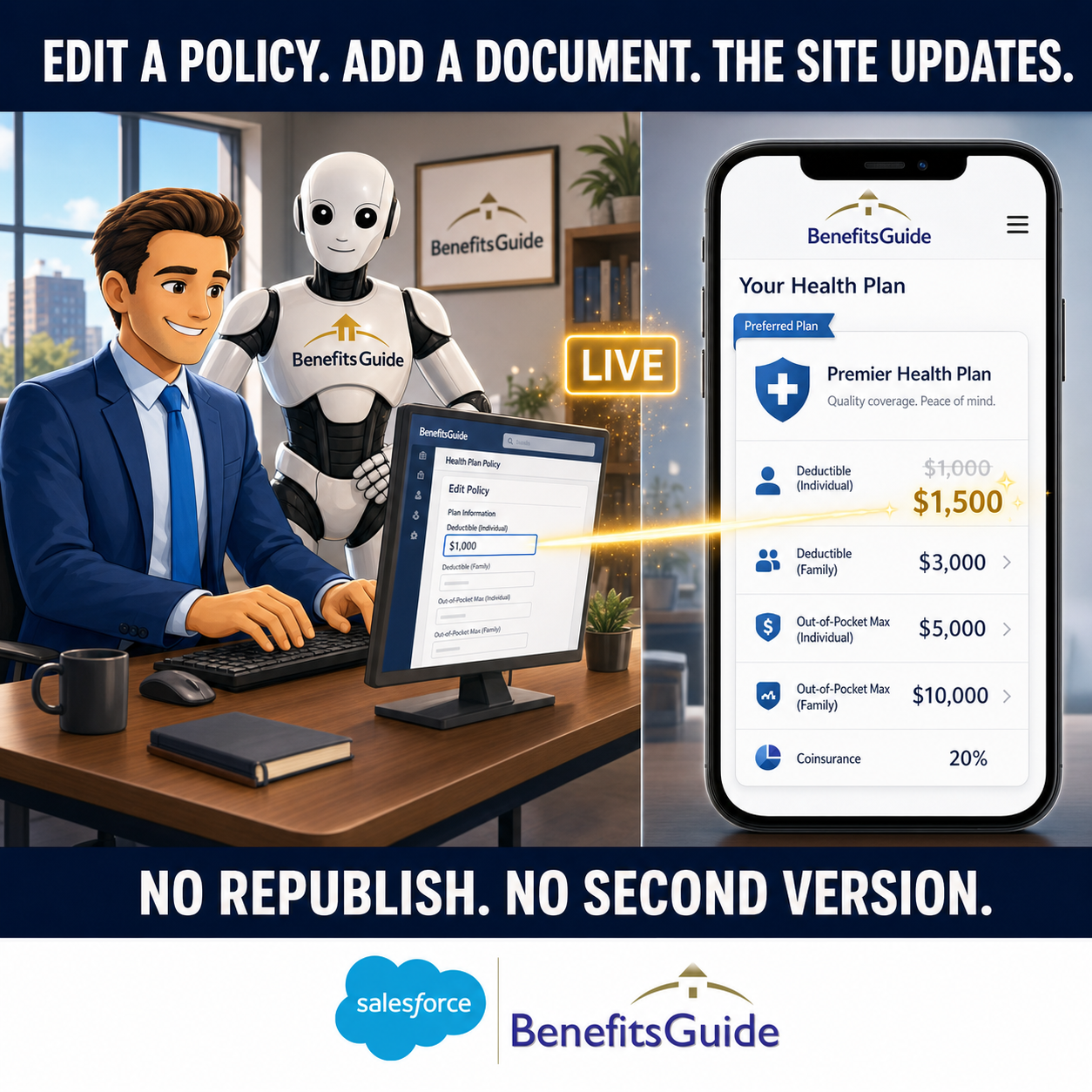
Edit a Policy. The Site Updates. No Republishing.
The traditional benefit booklet is a snapshot. The day after you print it, the data starts going stale. Microsites are different, they're a live window into the data already in your BenefitsGuide system.
Add a new policy mid-year? It appears automatically on the matching microsite. Update a deductible? The site reflects the change the next time anyone loads it. Your clients always see the current version, because there is no other version.
- Policy and eligibility changes flow through automatically
- Set an expiration date and the microsite auto-unpublishes
- Choose a clean human-readable URL or an opaque private one for sensitive class names
- Built-in view tracking shows you which clients are actually engaging
Three Steps. Zero New Tools.
Microsites live inside the BenefitsGuide flow you already use. There's no second platform, no extra login, no duplicate data entry.
Generate the Booklet
From the client's account, click Benefit Booklet. Pick the class and effective date. Generate the PDF, exactly the way you do today.
Click Publish Now
A new button appears next to the booklet. Pick a URL style, drop in a welcome message and intro video, and click publish. You get a live, shareable URL in seconds.
Send It. Or Let Them Scan It.
Email the link. Text it. Print the QR code on the booklet. Employees open the site on their phone in three seconds, no login, no app, no friction.
Set It Once. Customize When It Matters.
Most of what employees need is the same across your book of business, Rx mail-order forms, medical claim forms, enrollment and change forms, information about value-added services like gym reimbursement, EAP, and telehealth. Upload those once at the global level and they show up on every microsite you publish, automatically.
When a particular client needs something specific, a custom enrollment guide, a carrier-specific authorization, a wellness program unique to their company, load it at the account level and it appears only on their site.
- Global documents, upload once, appear on every microsite
- Account-specific documents, added per client when they need something unique
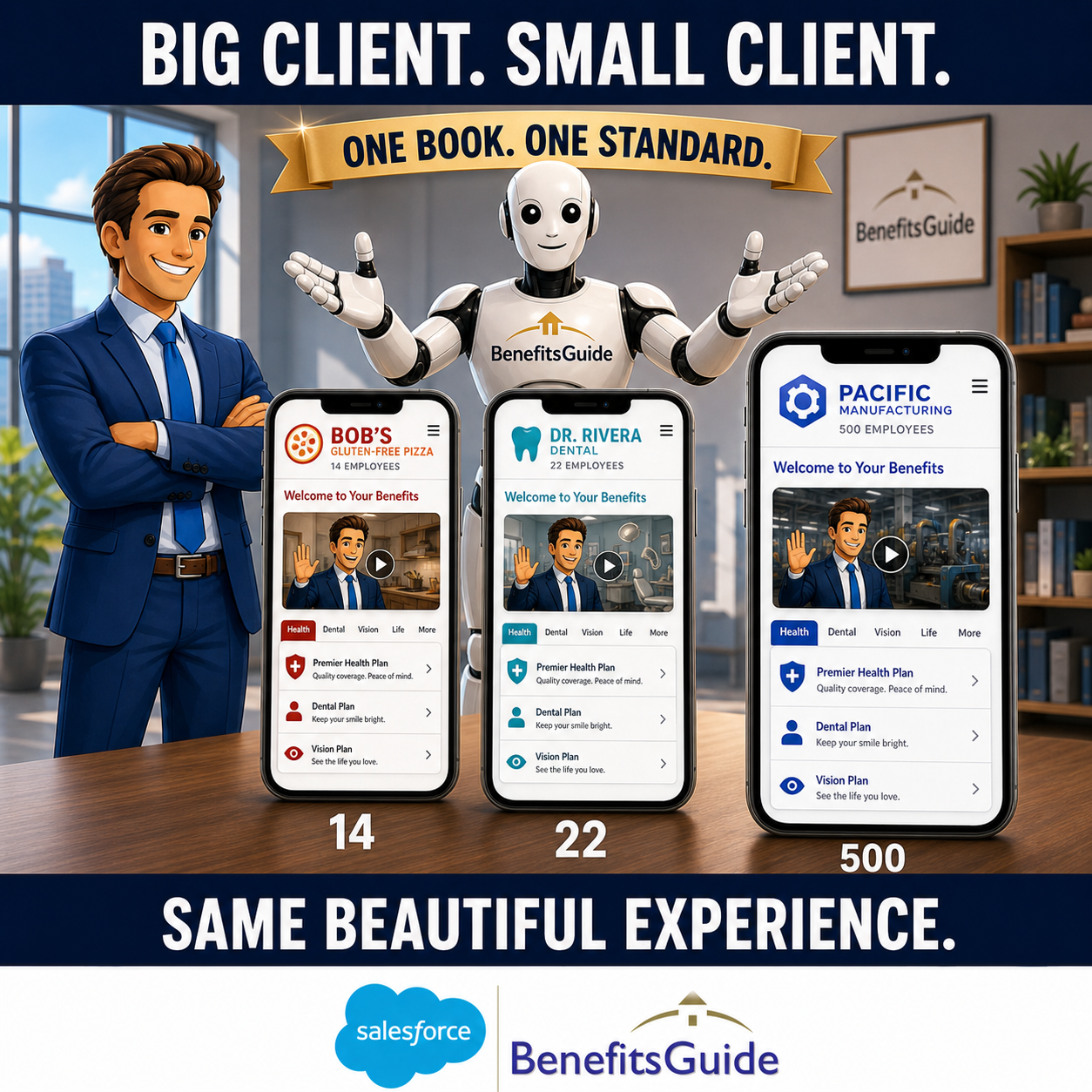
- Same scope model for branding, present every site under your agency's brand, or white-label a particular client's microsite under theirs
- Logos, colors, and look-and-feel adjustable at both levels
Built On Top of the Platform You Already Run On.
Microsites aren't a separate tool. They live inside BenefitsGuide and use the same data that powers the rest of your operation.
Branded Benefit Booklets
The classic PDF benefit booklet still ships with every microsite, and now includes a QR code to the live site on the cover. One generate, two formats.
Live Engagement Tracking
Every microsite tracks total views and last-viewed dates. You can tell which clients are actually engaging with the benefits you built.
Plan Admin Documents
Rx mail order forms, medical claim forms, enrollment and change forms, value-added services info, managed once globally or per-client when something specific is needed.











Stop Sending PDFs. Start Sending Links.
Pick a time that works for you. We'll show you how BenefitsGuide microsites turn the benefit booklet you already build into a published, brandable employee experience, in seconds.
Prefer to talk first? Book a 15-minute call with Jason or call us at 646-461-3000.