Your Agency Runs on Five Systems, Sticky Notes, and Sheer Willpower. There's a Better Way.
BenefitsGuide is the AI-ready business operating system built on Salesforce — designed from the ground up for employee benefits brokers. One platform. Everything connected.


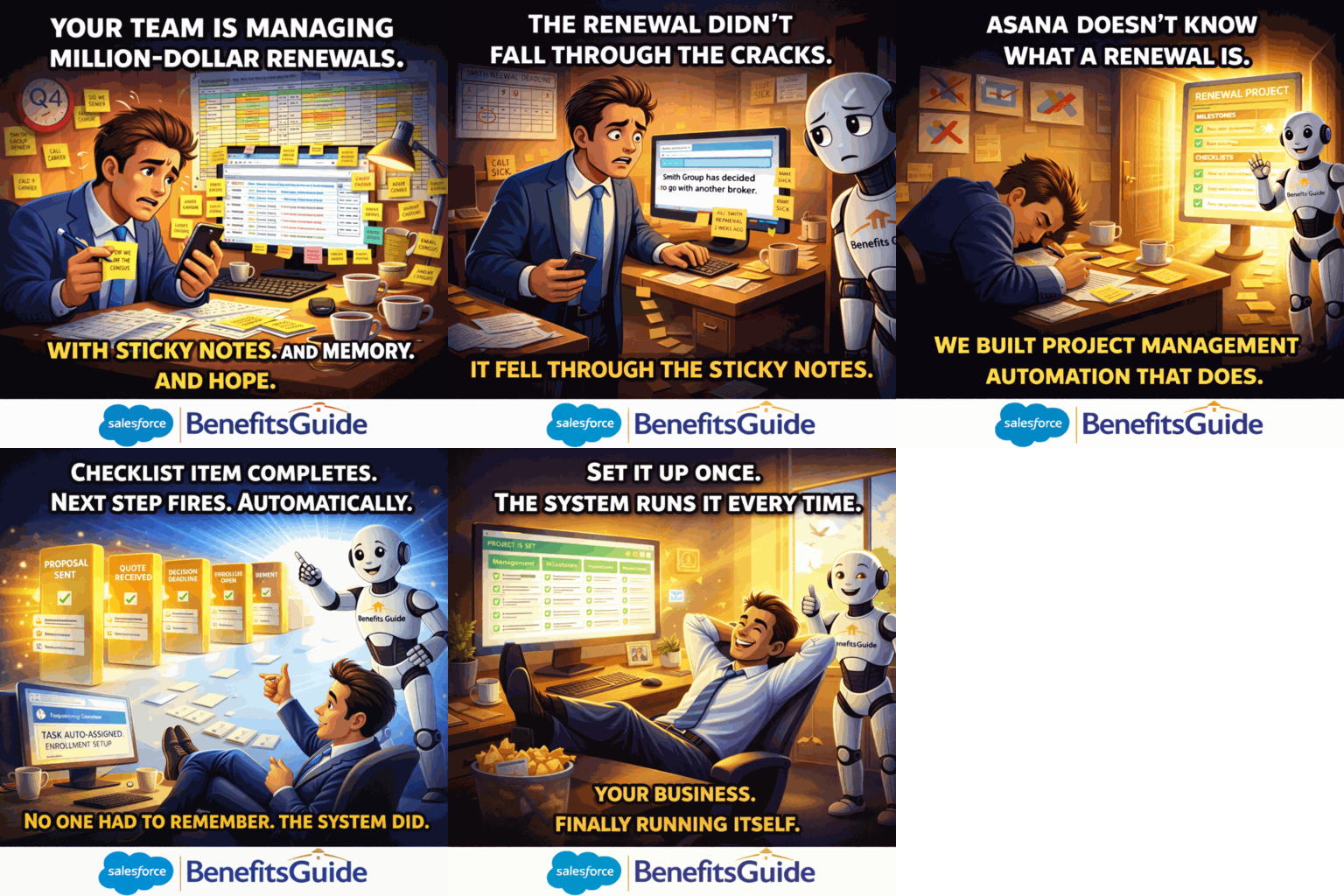
If This Sounds Like Your Agency, You're Not Alone.
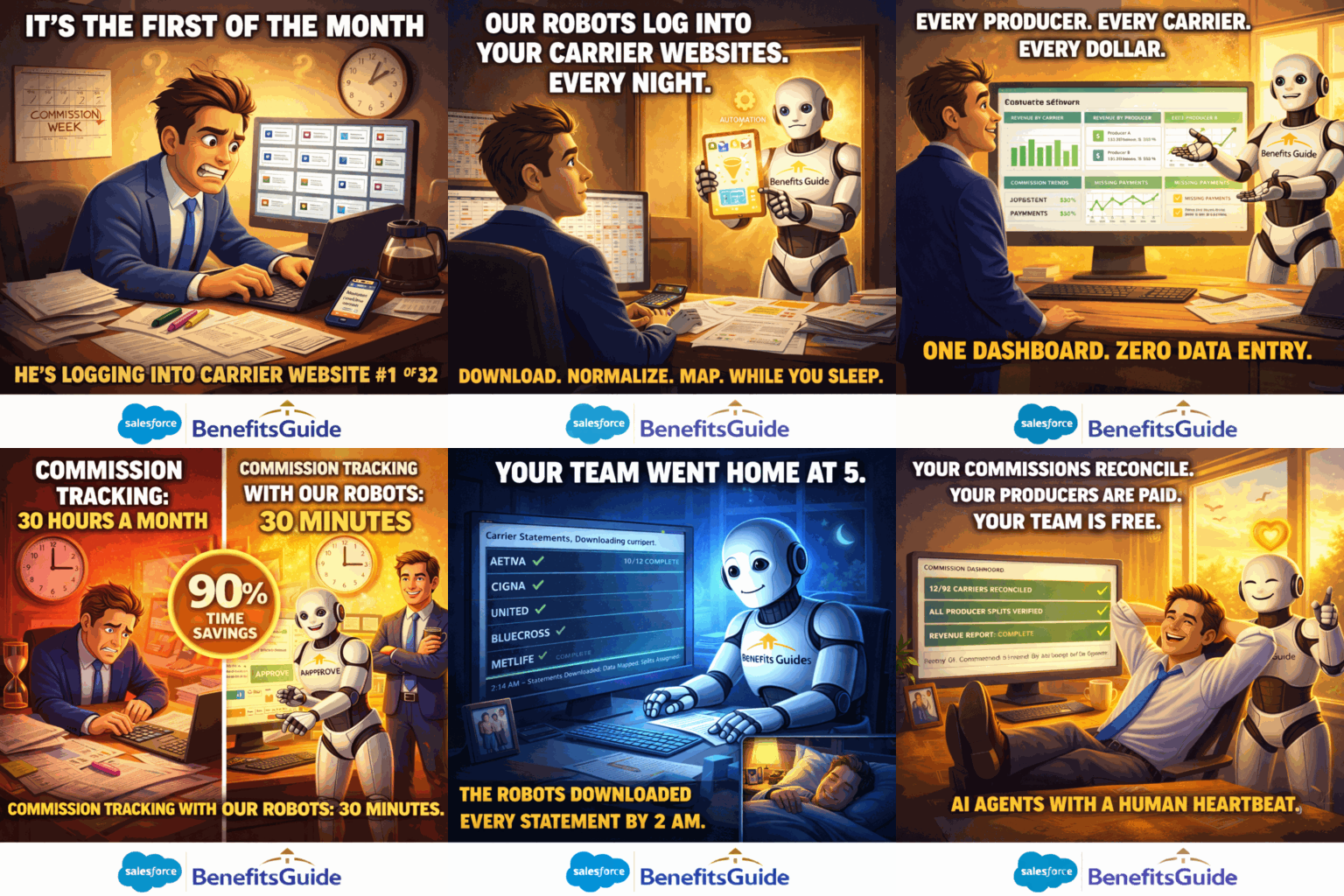
Commission Tracking Is Literally a Full-Time Job
You're logging into 10+ carrier websites every month. Converting PDFs to Excel. Reconciling splits by hand. Good people are burning out on work a robot should handle. And the errors? There's never enough time to catch them all.
Things Fall Through the Cracks Every Single Day
You've got five systems that don't talk to each other. No visibility into your renewal pipeline. No way to see what your team is working on. During Q4, everyone's working overtime and nobody knows who's on first.
"We Don't Have Visibility Into Each Other"
Your data lives in spreadsheets, email threads, and people's heads. New employees take days to train because nothing is documented. You can't get a straight answer on where any account stands without asking three people.
These aren't technology problems. They're time problems, money problems, and quality-of-life problems. BenefitsGuide was built to solve all three.
One Platform. Everything Connected. Enter Data Once.
BenefitsGuide is the Salesforce Platform, pre-customized for employee benefits brokers. CRM, project management, commissions, service tickets, reporting, and document automation — all in one place. No more juggling disconnected systems. No more redundant data entry. Your whole team, on the same page, for the first time.
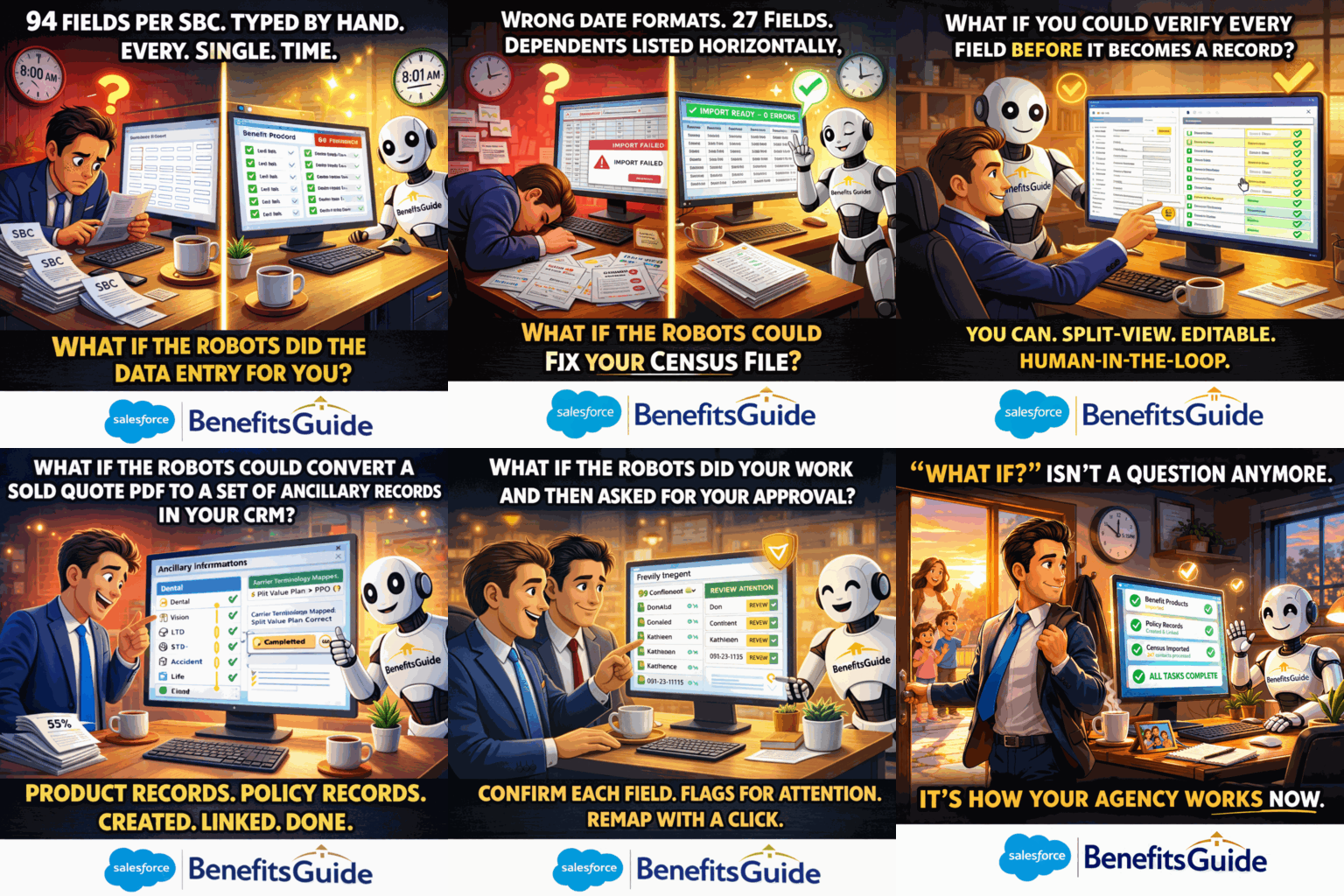
Our AI Handles the Data Work Your Team Hates
Every renewal season brings messy census files, inconsistent formats, and hours of cleanup. Your team didn't sign up to be data entry clerks.
BenefitsGuide's AI-powered Census Import Wizard automatically normalizes messy data — no matter what format it comes in. The SBC Import tool turns any Summary of Benefits and Coverage into a usable benefit product record. And because it's all built on Salesforce's AI infrastructure — Agentforce — your data is already structured for the future.
Use whatever quoting tools you already know. Export in any format. Our AI imports and normalizes it. Keep your work velocity.
Insurance Workflows That Run Themselves
Your team manages renewals with spreadsheets, email reminders, and memory. When something gets missed, nobody knows until it's too late.
BenefitsGuide's all-new Project Management application comes with many pre-built insurance workflow templates for every standard broker process — renewals, new business, open enrollment, compliance, and more. Rules-based automation means when one step completes, the next one fires automatically. No one has to remember what comes next.
Customize it yourself with the Project Management App Builder, or request a Microservice and we'll do it for you.
Our Robots Work While You Sleep
Your team spends 20 to 30 hours every month logging into carrier websites, downloading statements, and reconciling splits in spreadsheets. One broker called it "literally a full-time job."
Our robots log into your carrier websites every night. They handle multi-factor authentication. They download your statements, normalize the data, and map it to the right policies — all before you get to the office. You just review and approve.
The Split Rules Engine: Set your commission split rules once per producer. Every client. Every carrier. Every statement — handled automatically. One change cascades across the entire book of business. No more managing splits account by account.
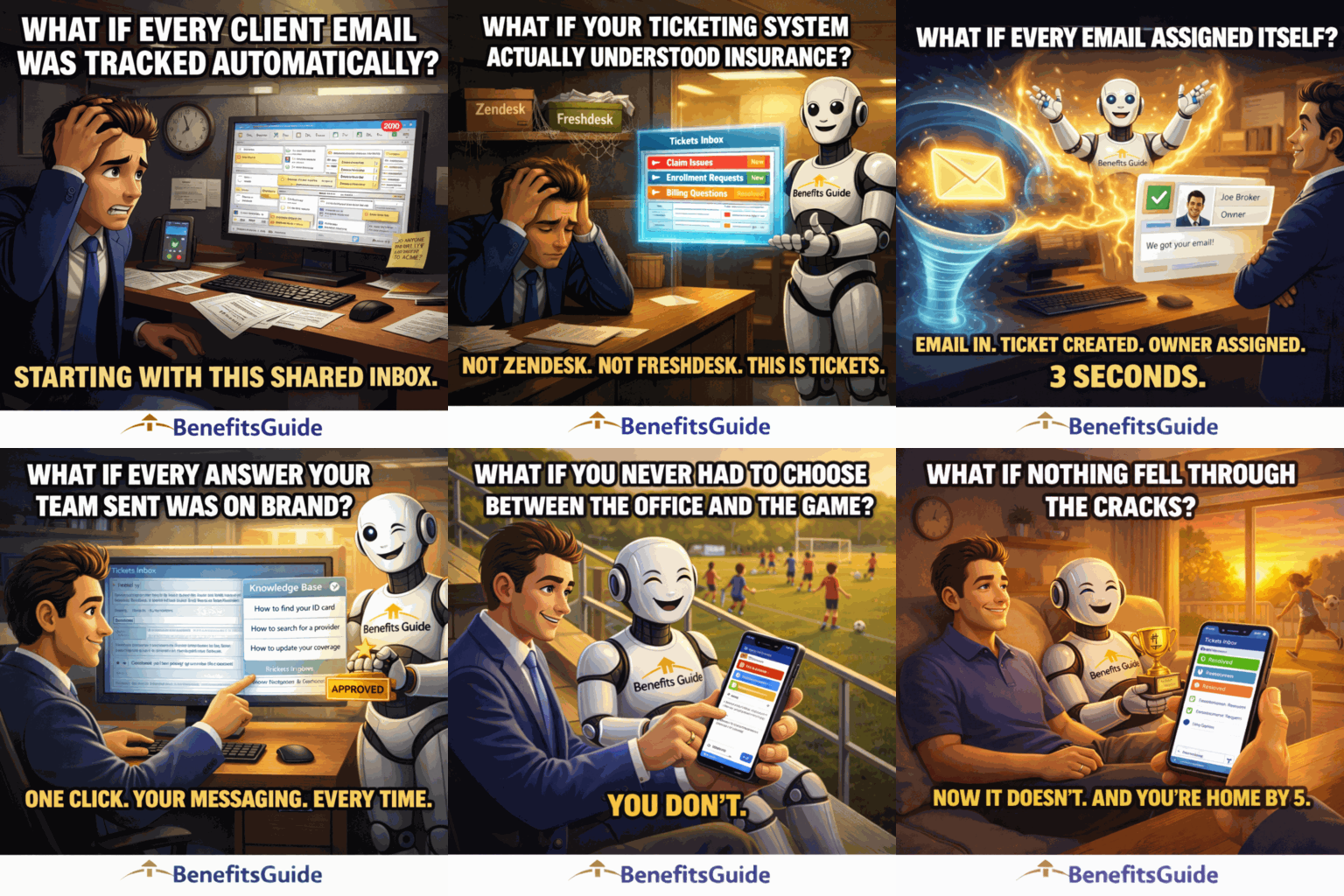
Nothing Falls Through the Cracks
A client emails about a claims issue. Someone handles it — or maybe they don't. Three weeks later the client calls back, frustrated, and nobody can find the original request.
BenefitsGuide's Tickets system tracks every client service request from the moment it comes in until it's resolved. Every question, every request — visible to the whole team. No more digging through email threads. No more "I thought you were handling that." Everyone sees the same thing.
Your team stays accountable. Your clients stay happy. And nothing gets lost.
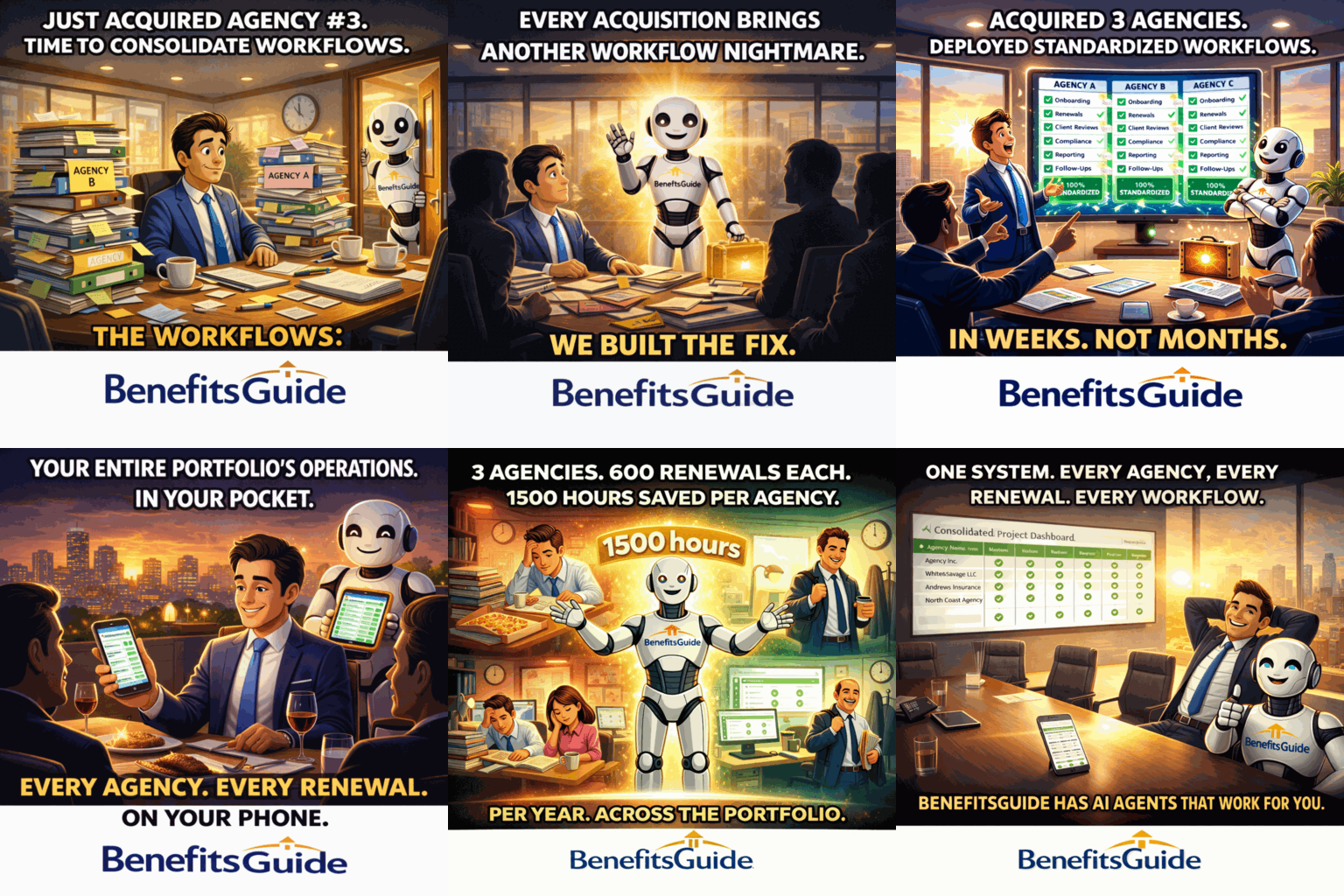
Your Entire Business In Your Pocket
You missed your daughter's soccer game because renewal season owned your calendar. Your current system doesn't even have a mobile app.
BenefitsGuide gives you full platform access from any device. Projects, tickets, accounts, contacts, policies, milestones, checklist items — all of it. Approve tasks, check renewal status, manage clients. It's not a "lite" version. It's the real thing.
Legacy platforms don't offer mobile access at all. We do.
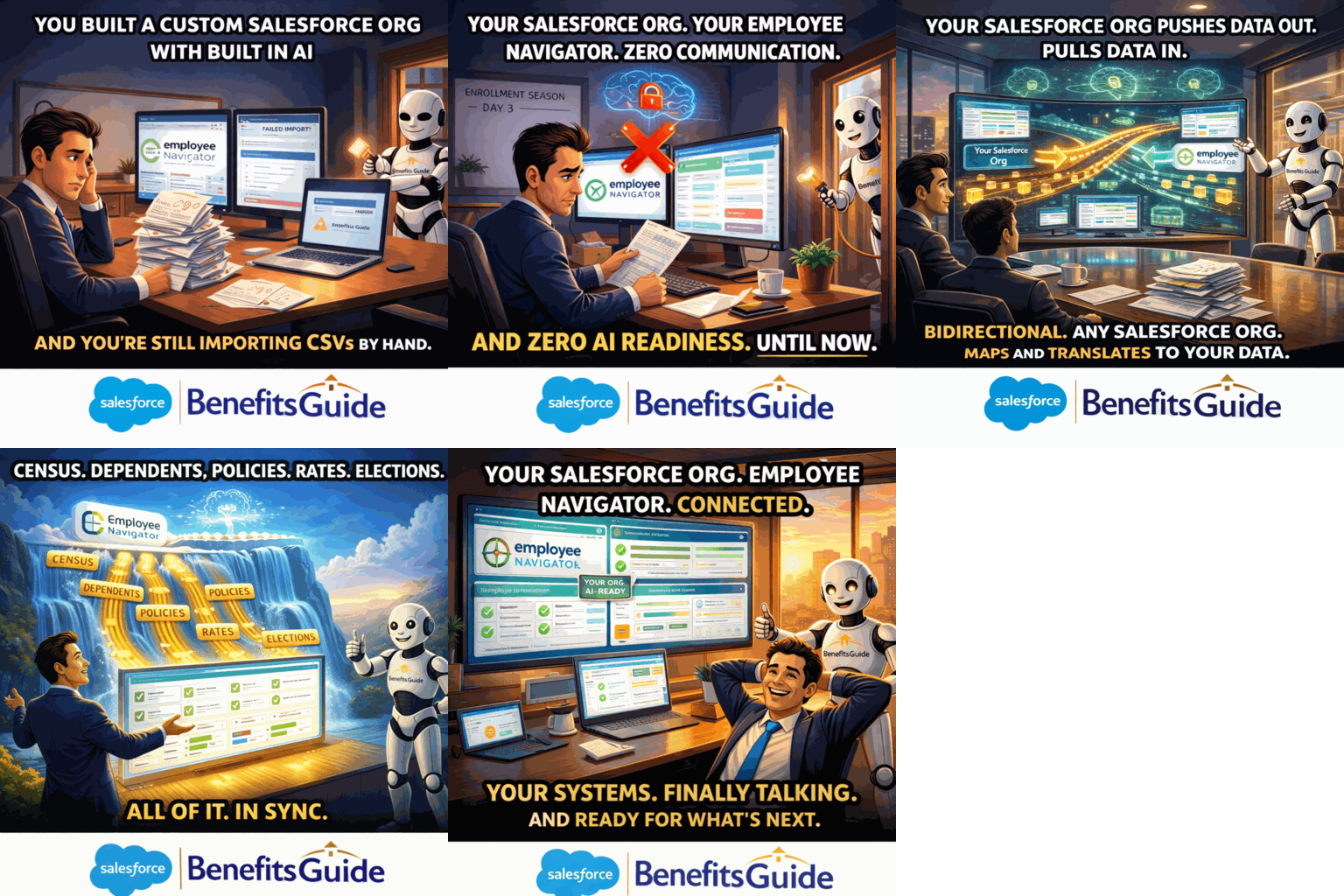
Connected to the Platforms You Already Use
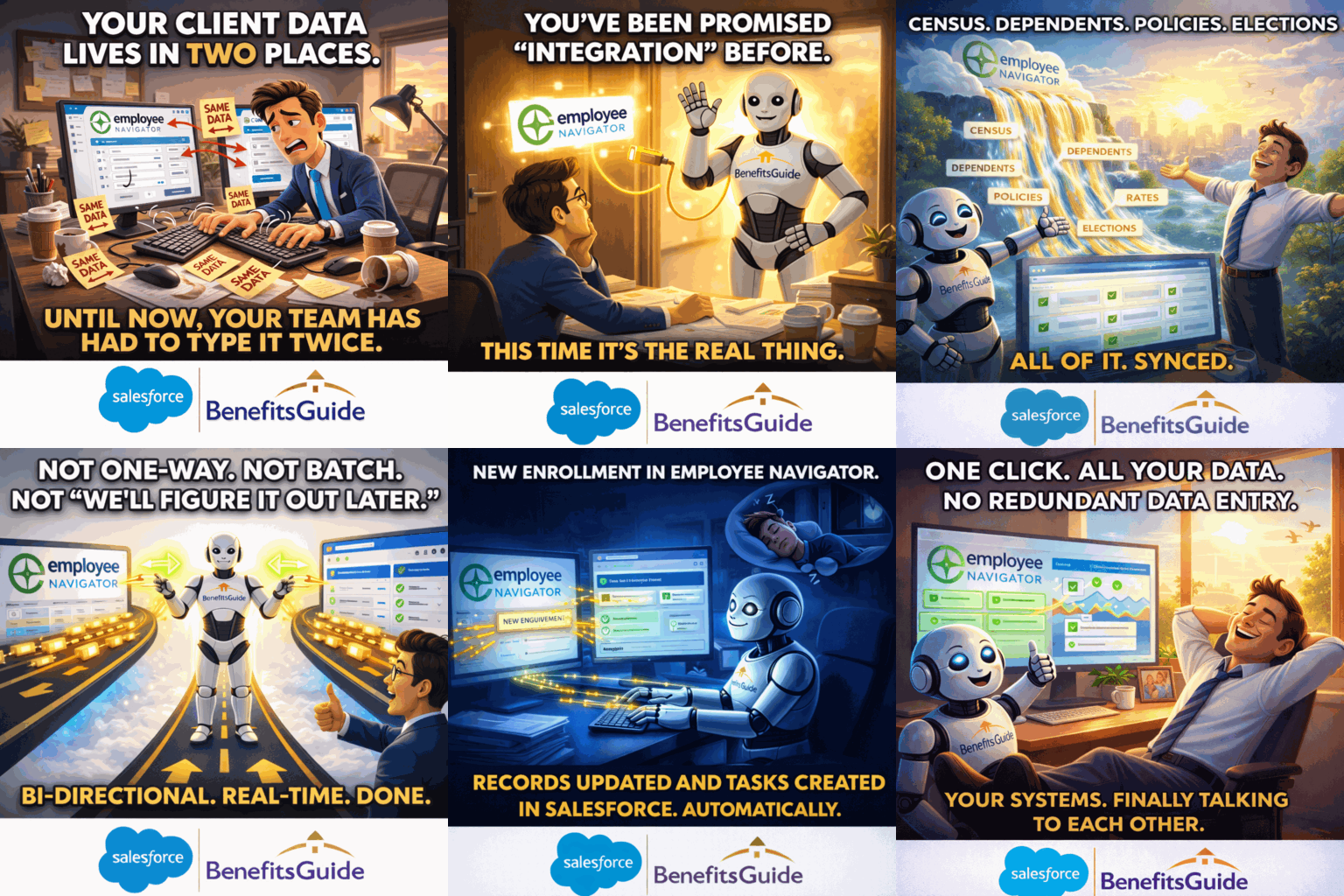
Setting up a group in your enrollment platform takes hours of redundant data entry. And nothing syncs back. You're entering the same data in three different places.
BenefitsGuide connects to the platforms your clients depend on — so your data flows where it needs to, automatically.
Employee Navigator
Bi-directional sync. Employee Navigator chose us as their first official integration partner. Account setup drops from 1-2 hours to 5 minutes. Works with any Salesforce org — you don't need to be a BenefitsGuide customer to use it.
Ease
Full bi-directional data sync between Salesforce and Ease. Push or pull Accounts, census data, policies, eligibility, and enrollment elections — creating a new group in minutes instead of hours. Lets your agency offer online enrollment to every client, not just the biggest ones.
BerniePortal
Part of the connected benefits administration ecosystem.
Real Agencies. Real Results.
CorpStrat — over three years
Down from 20-30 hours/month
CorpStrat — per Account Manager
Group Health Solutions
Last year during the 4th quarter, I was working about 70 hours a week, so putting in 30 hours overtime every week. It was brutal. Since the implementation of BenefitsGuide, I haven't had to do any overtime.— Nisha Pravinchandra, Vice President
— Sarena Warner, Executive Vice President
Trusted By Leading Benefits Brokerages









Every Subscription Includes the Salesforce Platform.
Every BenefitsGuide license includes the underlying Salesforce Platform Enterprise License. You get enterprise-grade security, 3,000+ integrations, open APIs, and Salesforce's entire AI roadmap — Agentforce — built in. Not bolted on.
Enterprise Security
HIPAA-compliant capable. Data encrypted at rest. Hosted on Salesforce Hyperforce.
Open Platform
Your data. Your platform. 3,000+ AppExchange integrations. Open REST and SOAP APIs. No hostage situations.
AI-Ready Infrastructure
While legacy platforms scramble to bolt on AI, your data is already structured for the future. Salesforce's AI roadmap is your AI roadmap.
See What Your Agency Could Look Like.
You'll work directly with our product team — not a sales rep reading a script. We've been building this for over 20 years. We know your world.
Schedule a Live Demonstration
See the full platform in action. We'll walk through your specific workflows.
Schedule DemoTalk to Us First
Not ready for a full demo? Start with a 15-minute conversation with Jason.
Book 15 Minutes