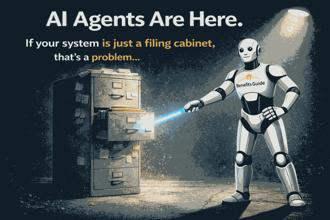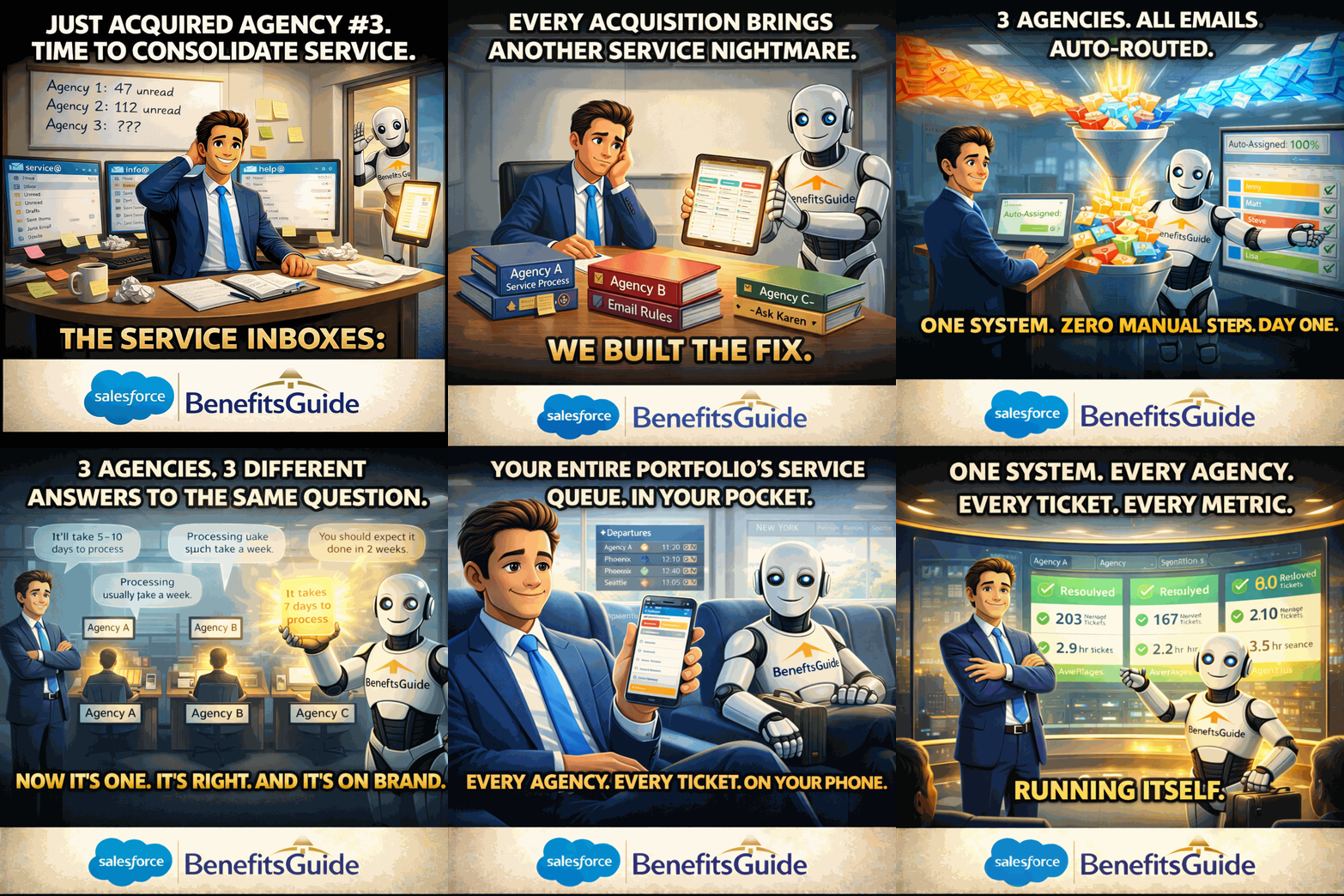
And one fix that actually works for insurance brokers.
You know that feeling when a client calls and says, "I sent that email three days ago"… and nobody on your team can find it?
Yeah. That's not a people problem. That's a shared inbox problem.
If your agency is still running client service out of a shared Outlook inbox, here are seven signs things are worse than you think.
1. You've created folders inside folders inside folders.
 And somehow emails still end up in the wrong one. Your "system" is really just organized chaos — and it only works when one specific person is in the office.
2. Someone on your team just CC'd you on everything. Again.
Because the only way to know what's happening is to read every single email. There's no dashboard. No assignments. Just… more email.
3. A client issue fell through the cracks last month.
Nobody dropped the ball on purpose. The email just got buried. And by the time someone found it, the client was already frustrated. Sound familiar?
4. You can't answer the question: "How many service requests did we handle last quarter?"
Your team is doing great work. You just can't prove it. No metrics. No reports. No way to show clients (or your boss) what's really happening.
5. You looked at Zendesk or Freshdesk… and walked away.
Because those tools weren't built for insurance. They don't know what a renewal is. They don't connect to your accounts, policies, or commissions. And the implementation timeline made you tired just reading about it.
6. Your best account manager has a secret spreadsheet.
They built their own tracking system because the shared inbox wasn't cutting it. It works — for them. But when they're out sick or on vacation? Good luck.
7. You're spending more time managing the inbox than managing your team.
Forwarding emails. Reassigning threads. Checking if someone responded. That's not leadership. That's traffic control.
So What's the Fix?
It's not another generic help desk. It's not a bolt-on tool that creates more logins and more headaches.
It's the BenefitsGuide Tickets Inbox — a service command center built inside Salesforce, specifically for insurance brokers.
Here's what changes:
Every inbound client email automatically becomes a trackable, assignable ticket. Your team sees a color-coded inbox that shows exactly what's unread, what's been answered, and what needs attention — on desktop and mobile.
Need to respond to a common question? There's a built-in knowledge base. One click. Done.
Want to know how many tickets your team resolved this month? It's already tracked.
And because it's built inside Salesforce, every ticket is connected to the client's account, contacts, policies, and commissions. No integrations to manage. No data living in five different places.
It's 65 features across 12 categories — built by people who actually run insurance agencies. It's live, production-proven, and ready on day one.
Your shared inbox was never designed to run client service for an insurance agency.
It's time to stop pretending it is.
Want to see the Tickets Inbox in action? Schedule a live demonstration and we'll walk you through it.
BenefitsGuide — Built on Salesforce. Built for Insurance Brokers, by Insurance Brokers.
Trusted by 100+ agencies · Over 20 years on Salesforce
Jason Silverman
With over 20 years of experience in the world of employee benefits and insurance technology, Jason is the founder and chief evangelist of BenefitsGuide, an insurance agency management system and CRM built entirely on the Salesforce Platform that streamlines the process of selling and servicing group insurance and employee benefits from the perspective of an insurance broker, general agent, PEO, and insurance carrier. Jason also owns and oversees the group insurance brokerage based in New York that he founded in 1996.