You spend hours creating each benefit booklet. It should take seconds.
BenefitsGuide generates beautiful, custom-branded employee benefit booklets with one click — using data already in your system. No redundant data entry. No copy-paste. No formatting headaches. Just click and deliver.
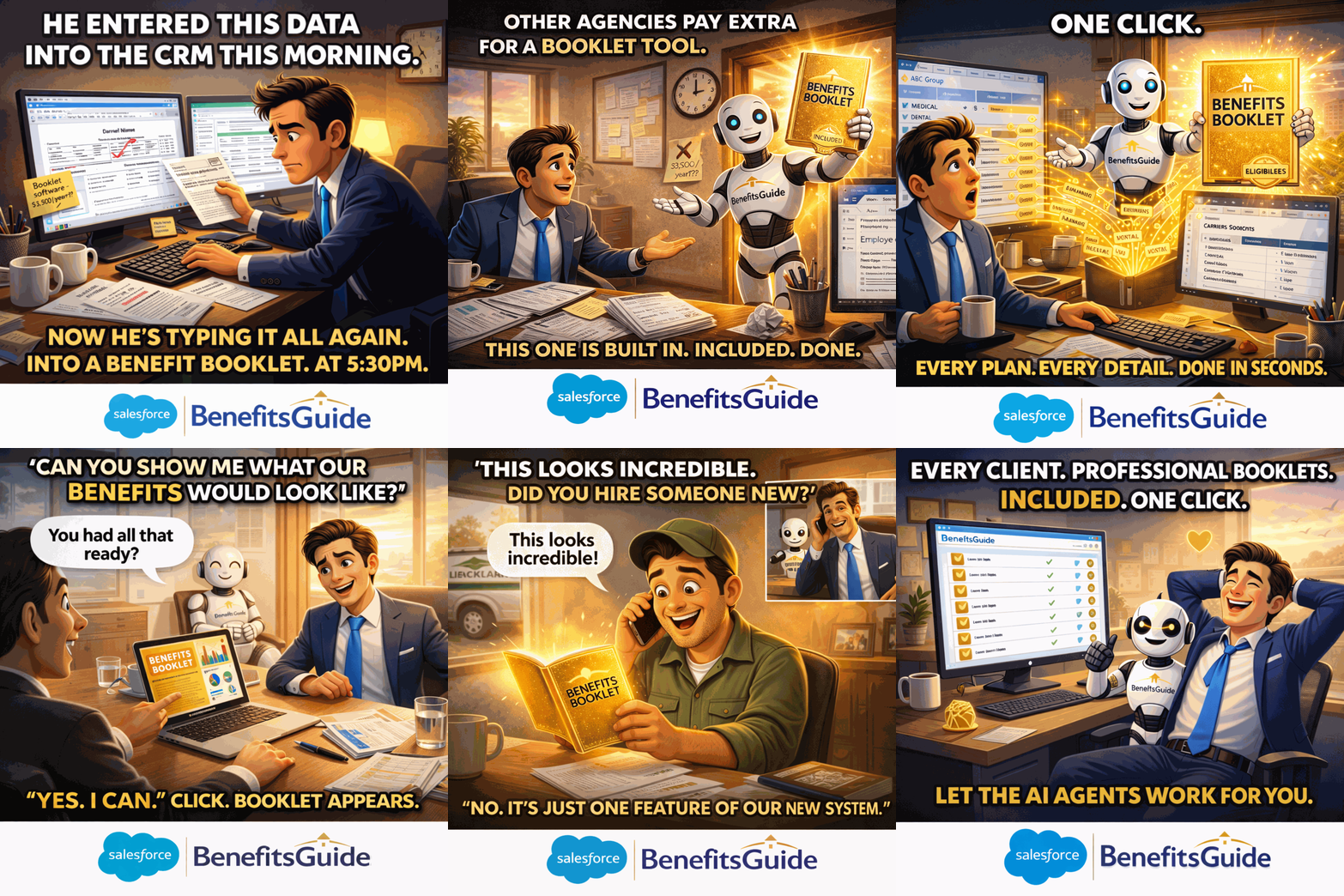
Watch Benefit Booklet Generation in Action
This short demonstration shows how BenefitsGuide creates a professional, custom-branded benefit booklet with one click — using data already in your system.
Creating Benefit Booklets Is Tedious, Repetitive, and Slow.
Every time you need a benefit booklet for a client, someone on your team opens a template, manually types in plan details, premium amounts, eligibility rules, carrier contact information, and cost-per-pay-period — pulling data from multiple sources and hoping nothing gets missed or mistyped.
Multiply that by dozens or hundreds of clients and you've got a massive time drain that adds zero value to your business. Your team didn't go into insurance to be document formatting specialists.
- 30 minutes per booklet — manually typing data you already have
- Copy-pasting between systems introduces errors
- Formatting inconsistencies make your agency look unprofessional
- Smaller clients often get skipped because the effort isn't worth it
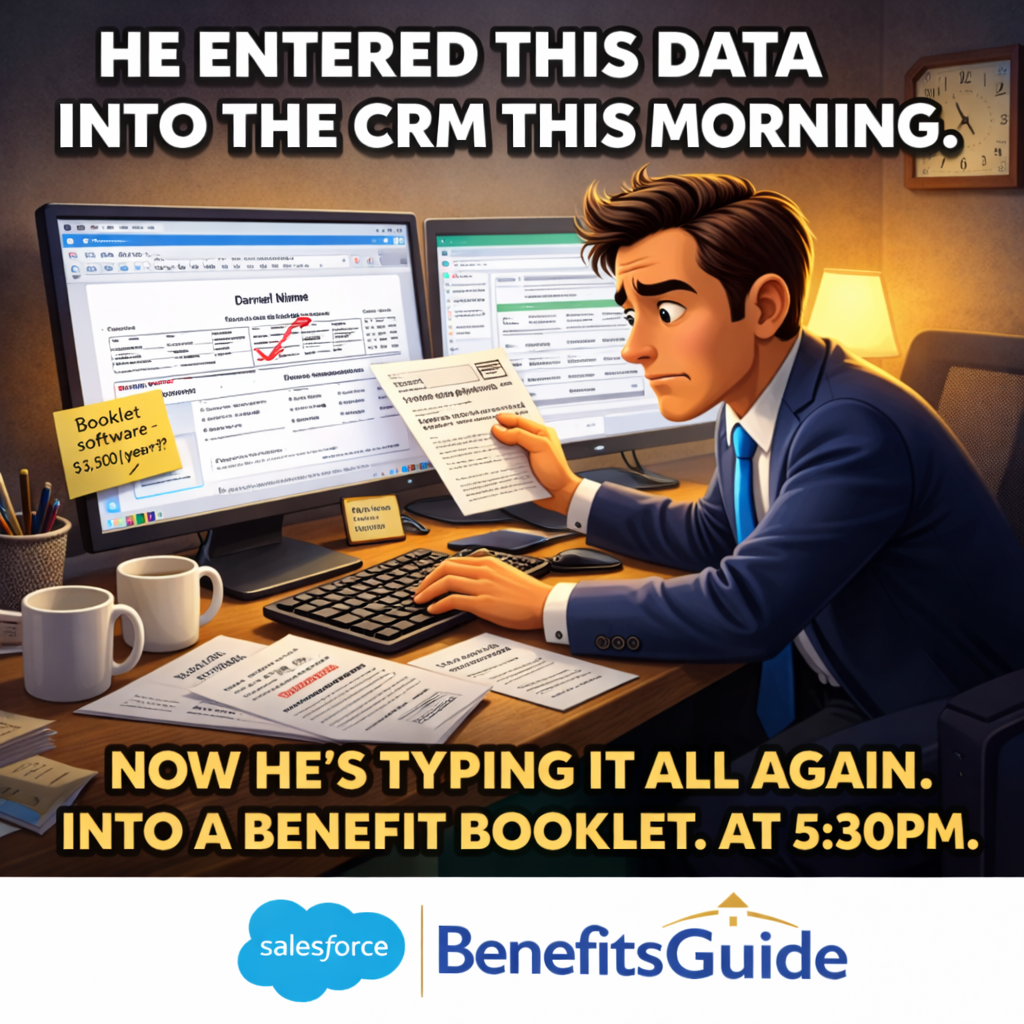
Click a Button. Get a Benefit Booklet. That's It.
BenefitsGuide's Formstack integration pulls data directly from your Salesforce records — plan names, benefit details, premium amounts, eligibility rules, carrier information, cost per pay period — and merges it into a professionally designed, custom-branded booklet. One click. Done.
No copying from one system to another. No reformatting. No double-checking numbers you already entered once. The data is already in the system. The booklet just uses it.
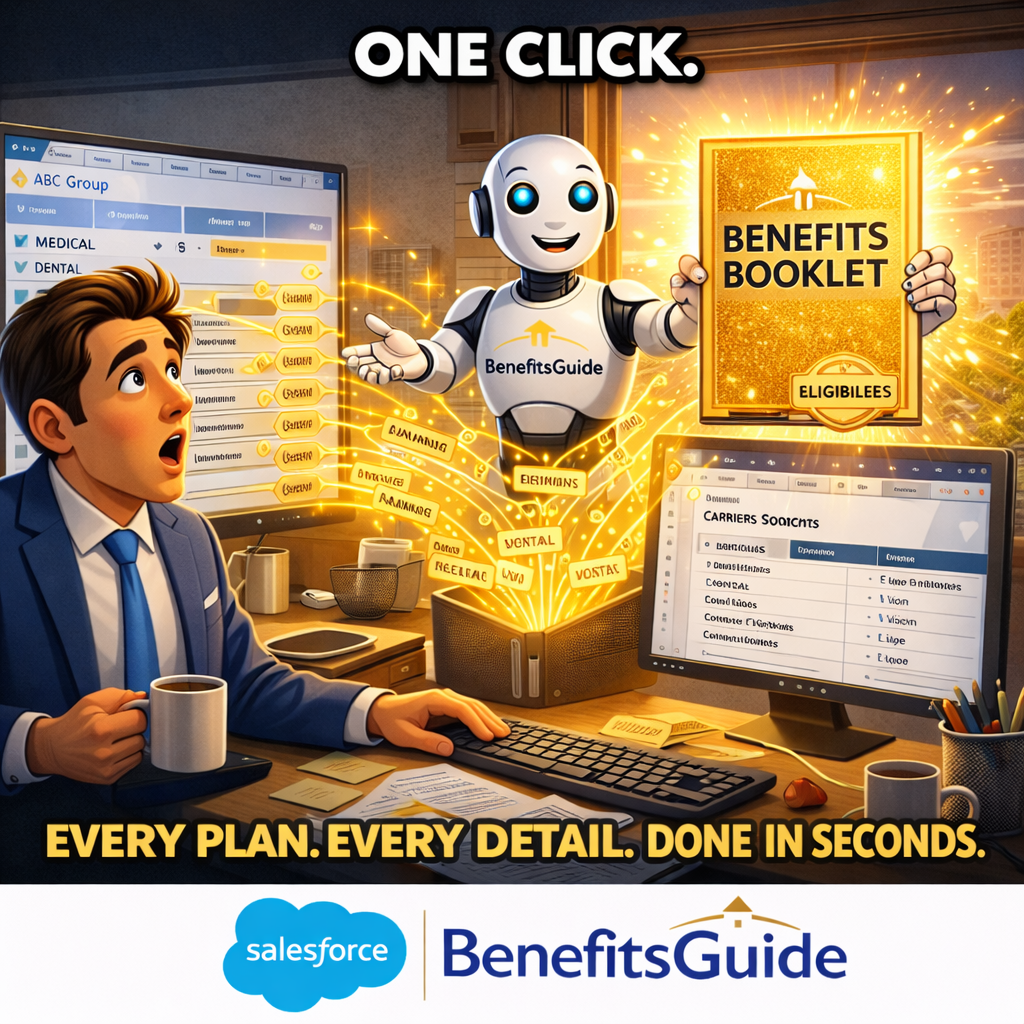
Every Plan. Every Detail. One Booklet.
Your benefit booklets aren't just about medical. BenefitsGuide generates booklets that include any and all policy types — medical, dental, vision, life, disability, voluntary benefits, and more. Each policy's benefit details, eligibility requirements, cost breakdowns, and carrier contact information are all included automatically.
- All policy types — medical, dental, vision, life, disability, and more
- Benefit details, premium amounts, and cost per pay period
- Eligibility rules and plan options
- Carrier contact information
- Custom branded to your agency — professional and client-ready
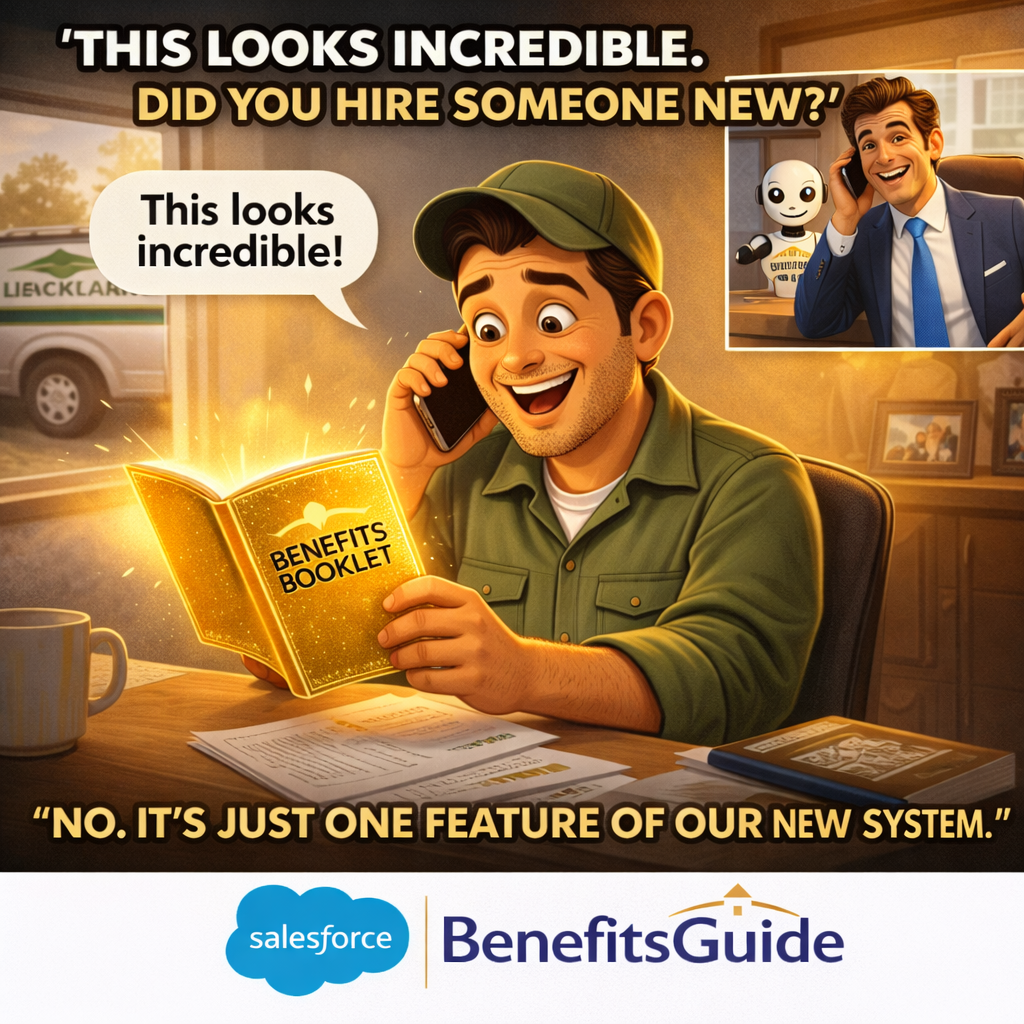
More Than Booklets — A Complete Document Automation Platform
Benefit booklets are just the beginning. Formstack is a Salesforce-native form and document builder that lets you create any document from the data already in BenefitsGuide — enrollment forms, HIPAA authorizations, compliance documents, and more.
E-signatures are included via FormSign. And if you need something custom, our Microservices team can build custom document templates and automations for you.
- Salesforce-native form and document builder
- E-signature support via FormSign — no separate tool needed
- Microservices available for custom templates and automations
Three Steps. Zero Redundant Data Entry.
Your client data is already in BenefitsGuide. The booklet just uses it.
Data Already in the System
Your client's plans, benefit details, premiums, eligibility rules, and carrier information are already stored in BenefitsGuide. No extra data entry needed.
Click the Button
From the client's account record, click to generate the booklet. Formstack pulls the data, merges it into your branded template, and produces a polished, client-ready document.
Deliver to Your Client
Your benefit booklet is ready — professional, accurate, and branded to your agency. Send it to your client, print it for open enrollment, or share it digitally.
Once the booklet is done, turn it into a website.
The benefit booklet you just learned about is beautiful — and the PDF still has its place. But most employees won't open a PDF, and the booklet you printed in October goes stale the moment a policy changes.
BenefitsGuide microsites turn the same booklet you just clicked to generate into a polished, mobile-first employee website your clients' employees can open with a tap, scan, or text. Same data. Same one-click flow. A new surface where benefits actually get seen — and one that updates automatically as plans change.
- One-click publishing from the same booklet flow your team already uses
- Mobile-first — built for the phone in your client's employees' pocket
- Scan-to-share — a QR code prints automatically on every booklet cover
- Always current — edits to policies flow through automatically, no republishing











Stop Spending Hours on Every Booklet.
Pick a time that works for you. We'll show you how BenefitsGuide generates professional, branded benefit booklets with one click — plus enrollment forms, compliance documents, and e-signatures.
Prefer to talk first? Book a 15-minute call with Jason or call us at 646-461-3000.